1. Capture the whole ticket
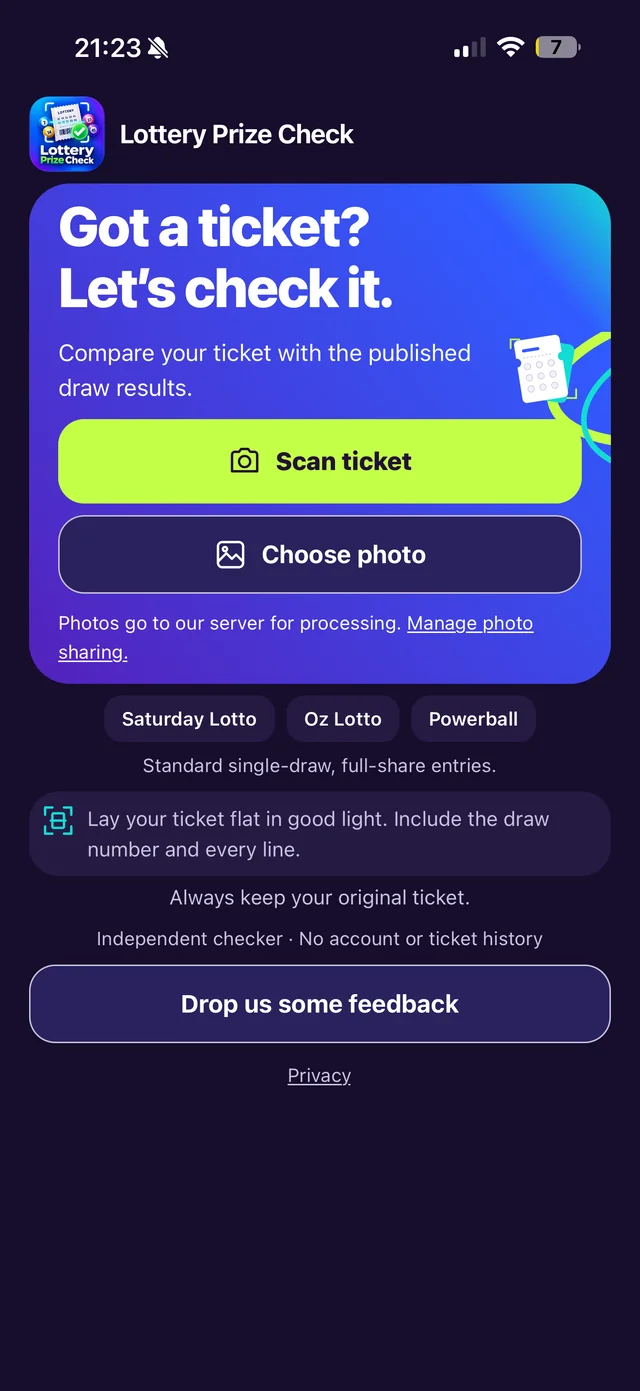
Open Lottery Prize Check and choose Scan ticket to take a photo, or Choose photo to select one already on your phone. Lay the ticket flat and include the game name, draw details and every entry. Use good lighting, keep the text in focus and avoid glare.
The app needs an internet connection. Camera permission and photo sharing are separate choices: if sharing is not already allowed, the app explains that your selected photo goes to our server and OpenAI for processing before you continue. You can change this choice using Manage photo sharing. Read the privacy notice for the full explanation.
2. Review the comparison
The app reads the ticket, checks the recognised details and compares supported entries with published results for the matching game and draw. Review the draw number, date and every recognised number against your physical ticket. A photo can be misread even when it looks clear to you.
The result shows matching numbers and potential winning divisions. An estimated prize is shown when the relevant published amount is available. An unavailable result or connection error is not a completed losing check.
Checking a Set for Life range
A supported Set for Life ticket has a separate outcome for each draw in its printed range. Future draws and unavailable results remain visible. Any total while draws are unchecked covers checked draws only; scan again later for the remaining draws. Division 1 and 2 instalment prizes need official verification.
3. Verify potential winnings
Keep your original physical ticket and take any potential winning ticket to an authorised Lotterywest retailer for verification and redemption. The app provides an informational comparison; Lotterywest's official validation is authoritative.
If recognised details are incorrect or unclear, retake the whole-ticket photo. There is no manual number editor. Check the supported ticket formats or visit Support if you need help.